



P072 Receipt Printer
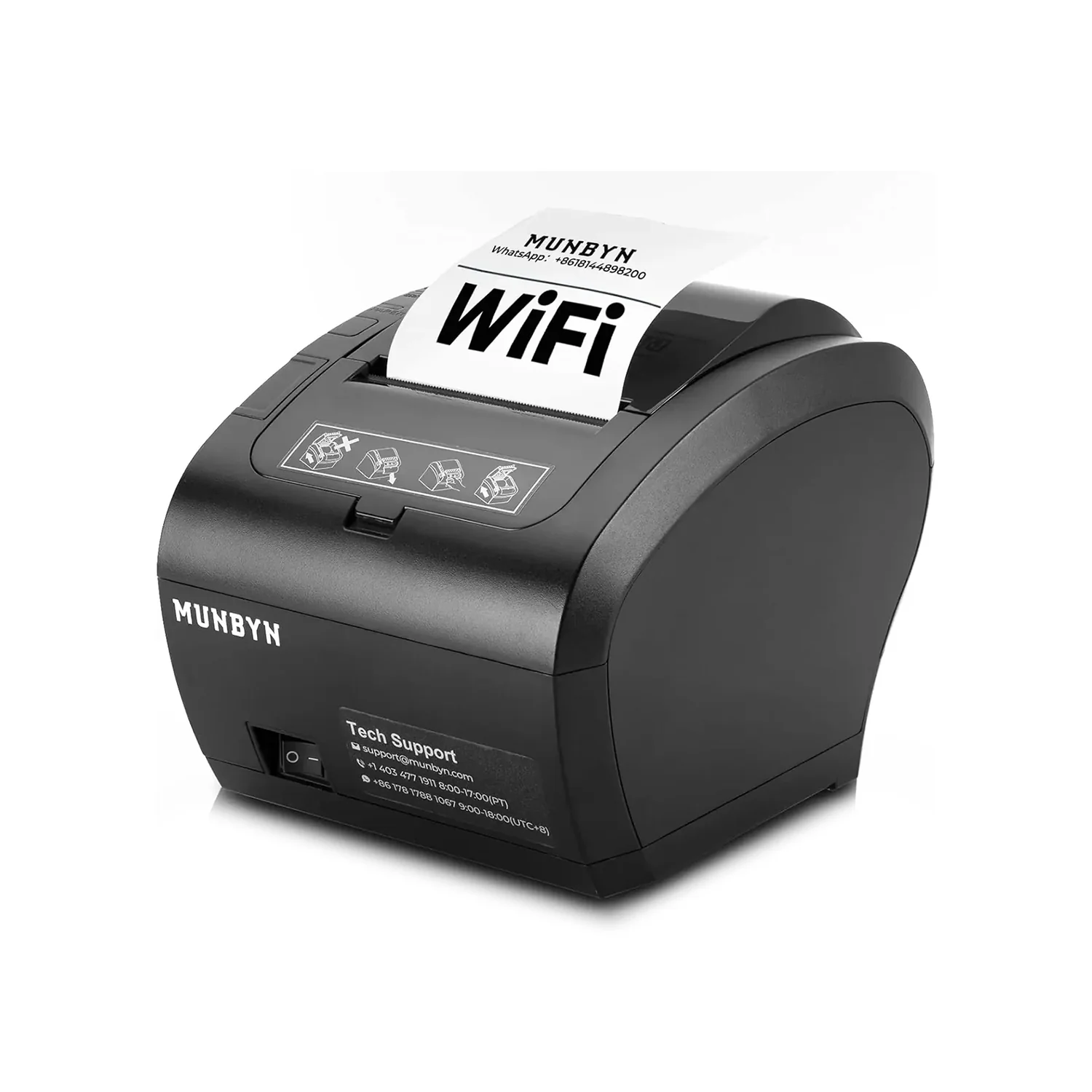
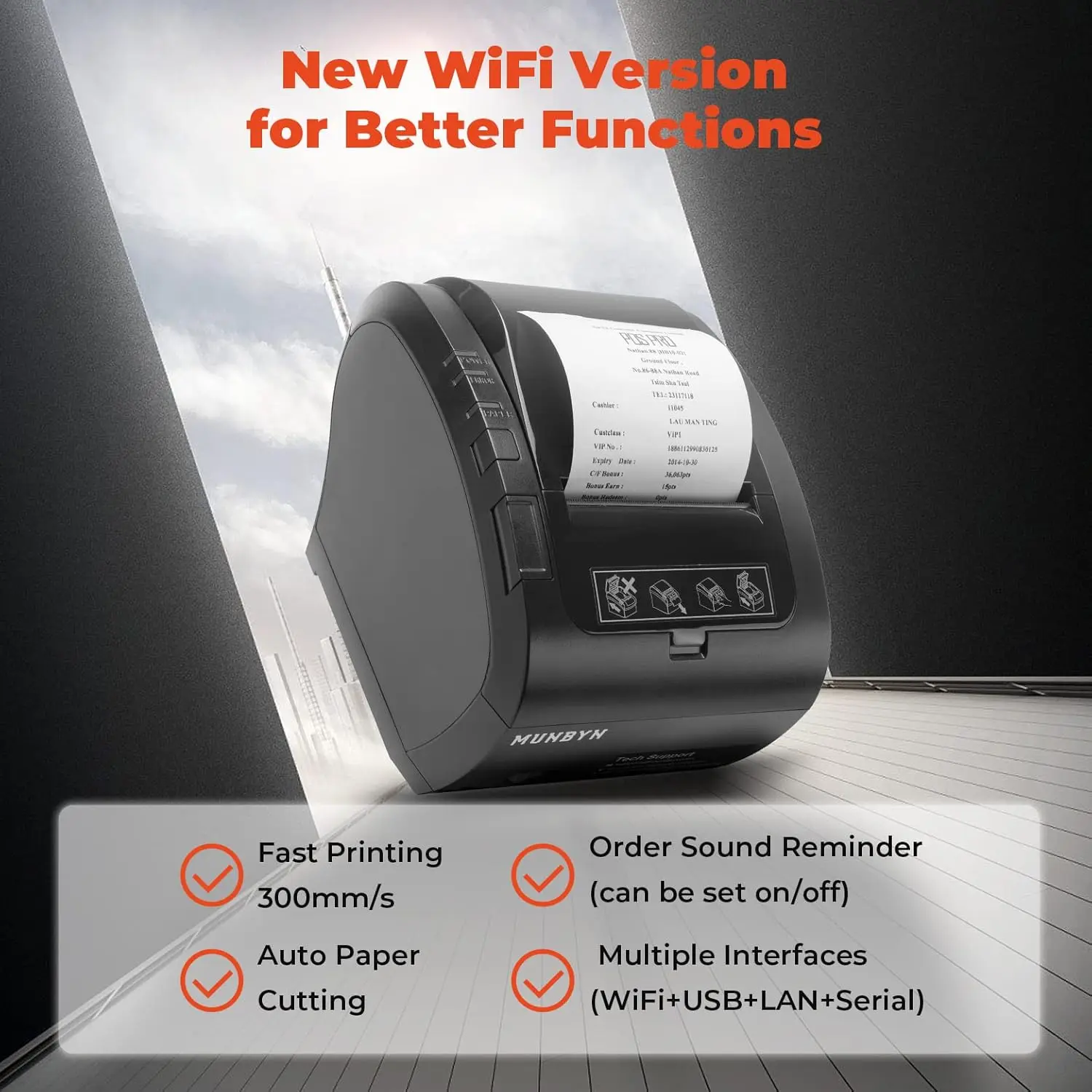
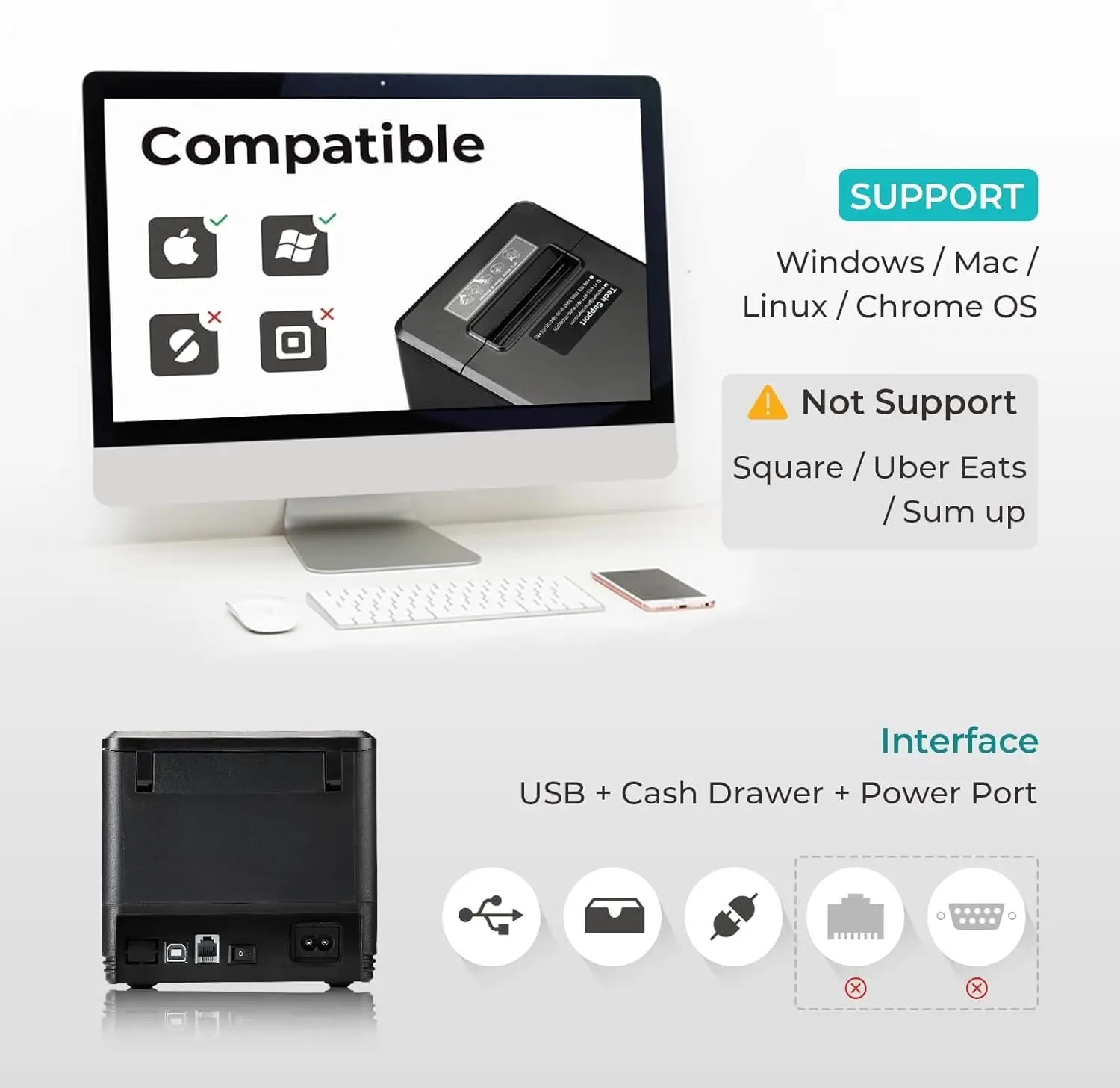
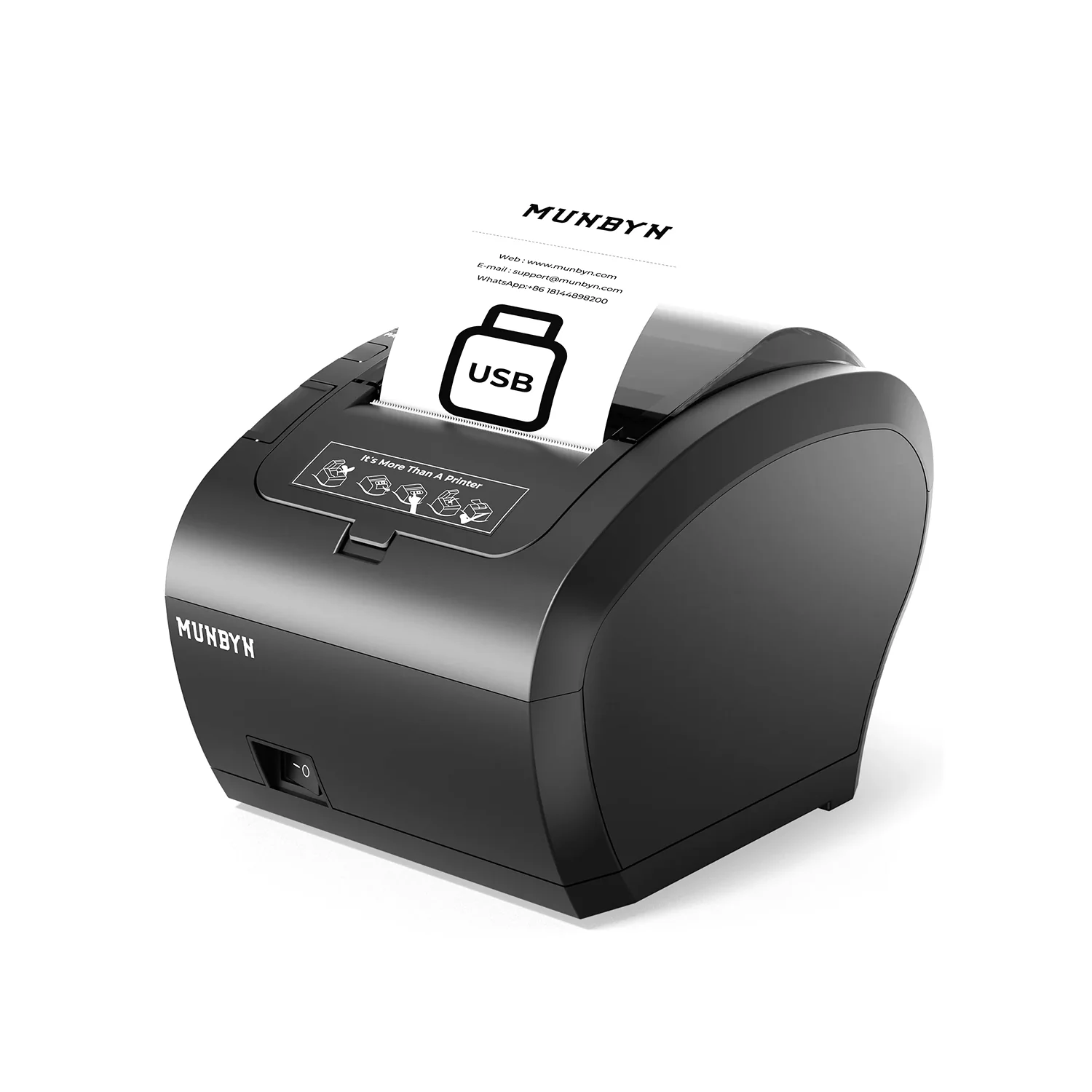
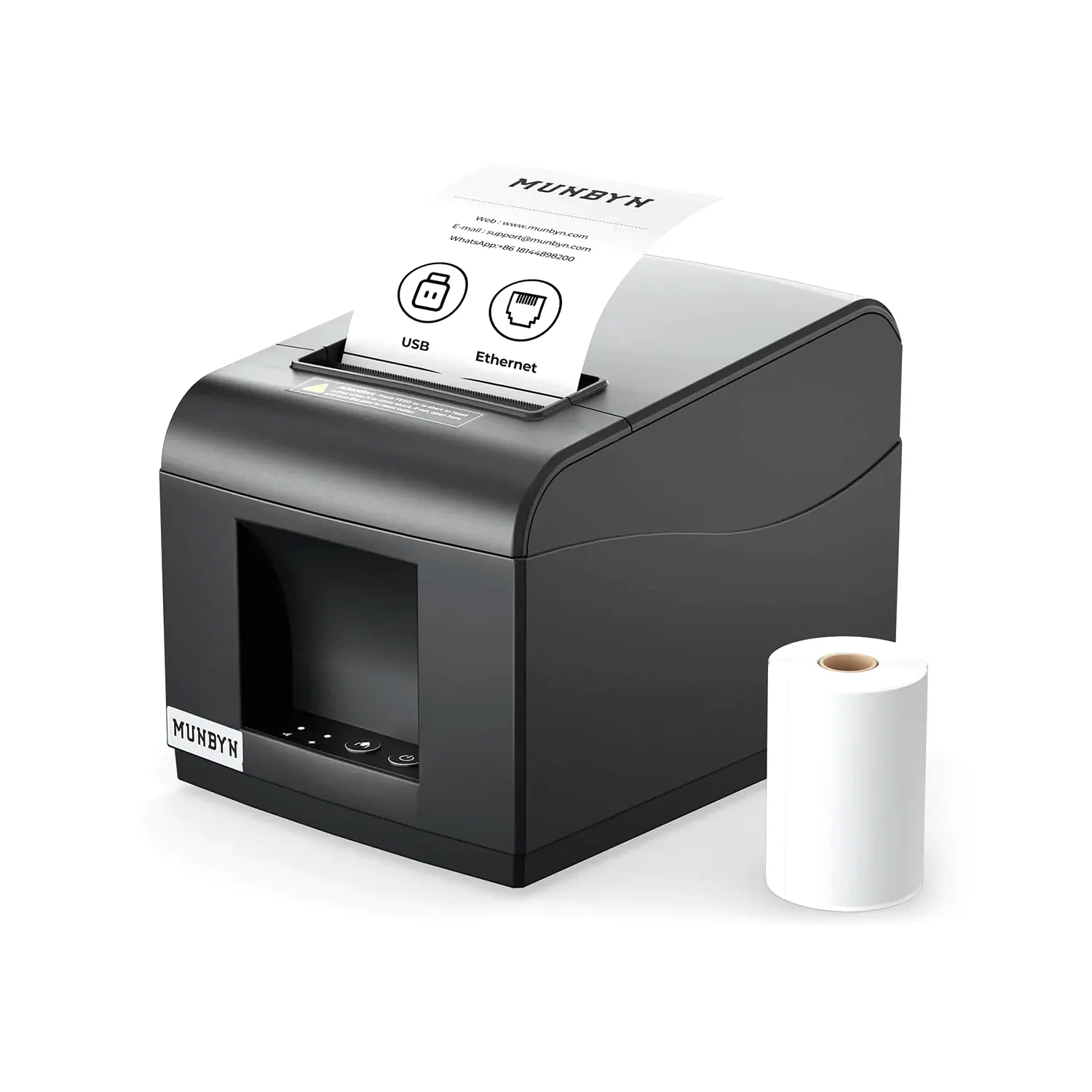
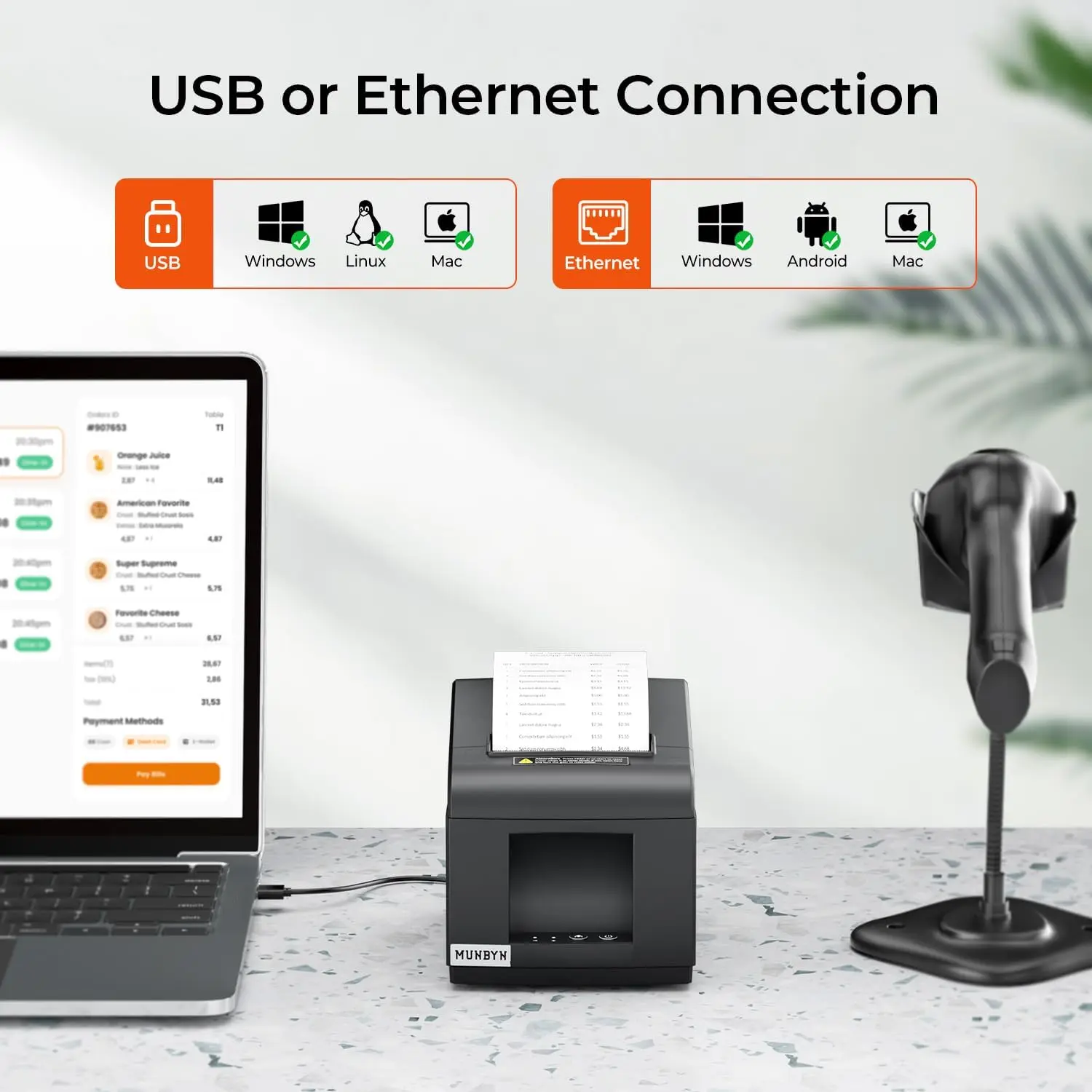
- 【USB or Ethernet Connection】Compatible with ESC/POS printing commands and supports cash drawers. Four Ports: USB+ LAN + Cash Drawer+ Power Port. It supports Windows x86, ARM, MacOS, Android, ChromeOS, and Linux.
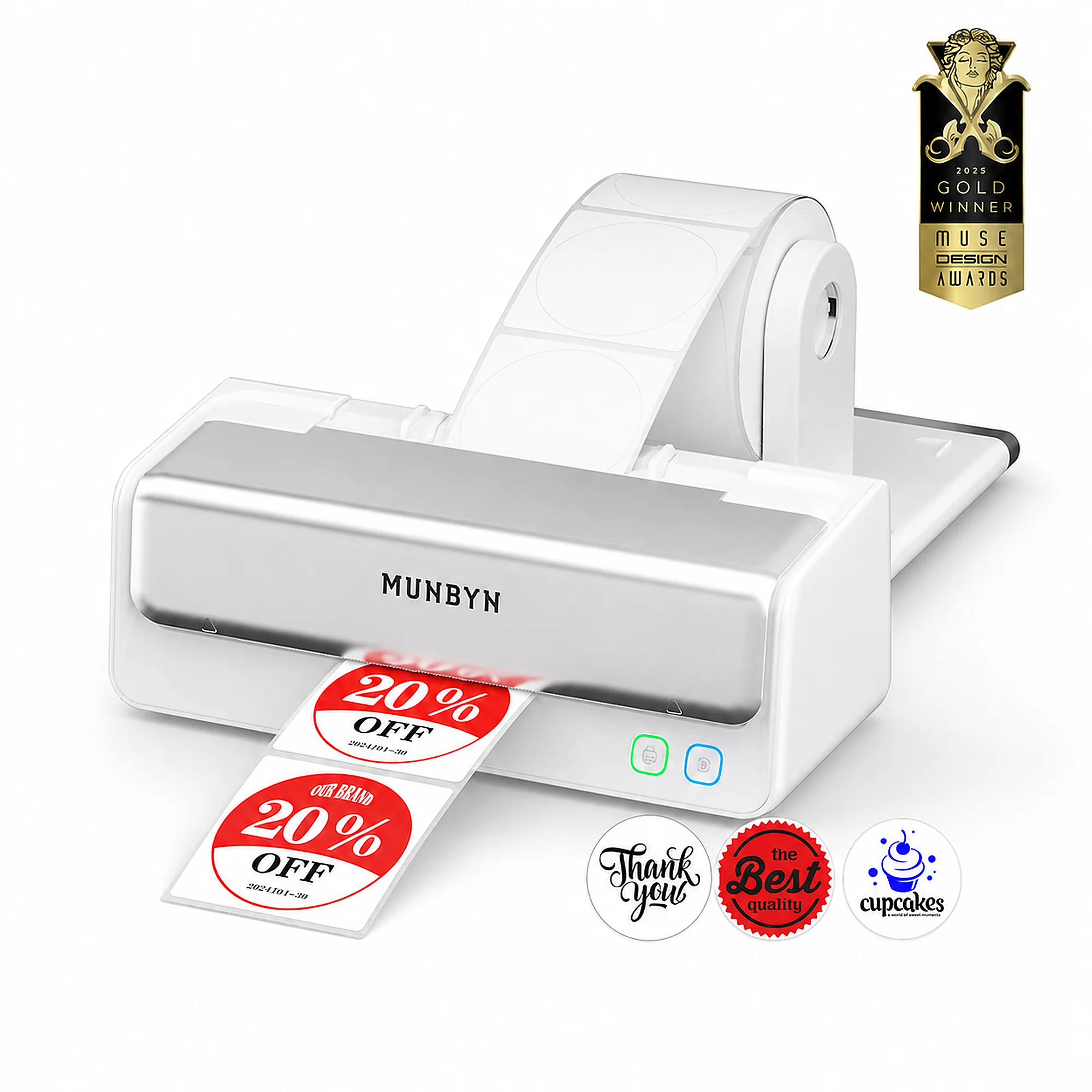
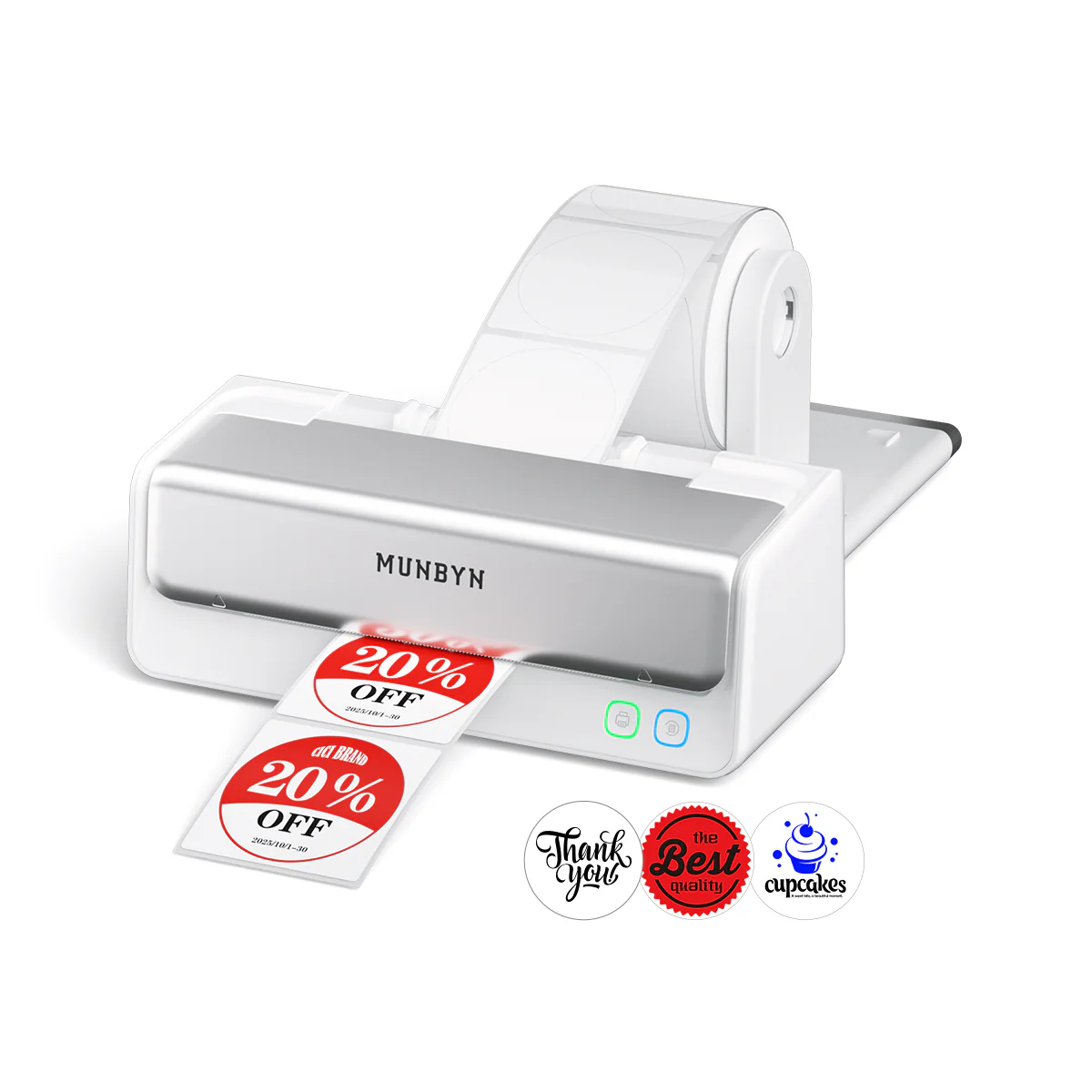
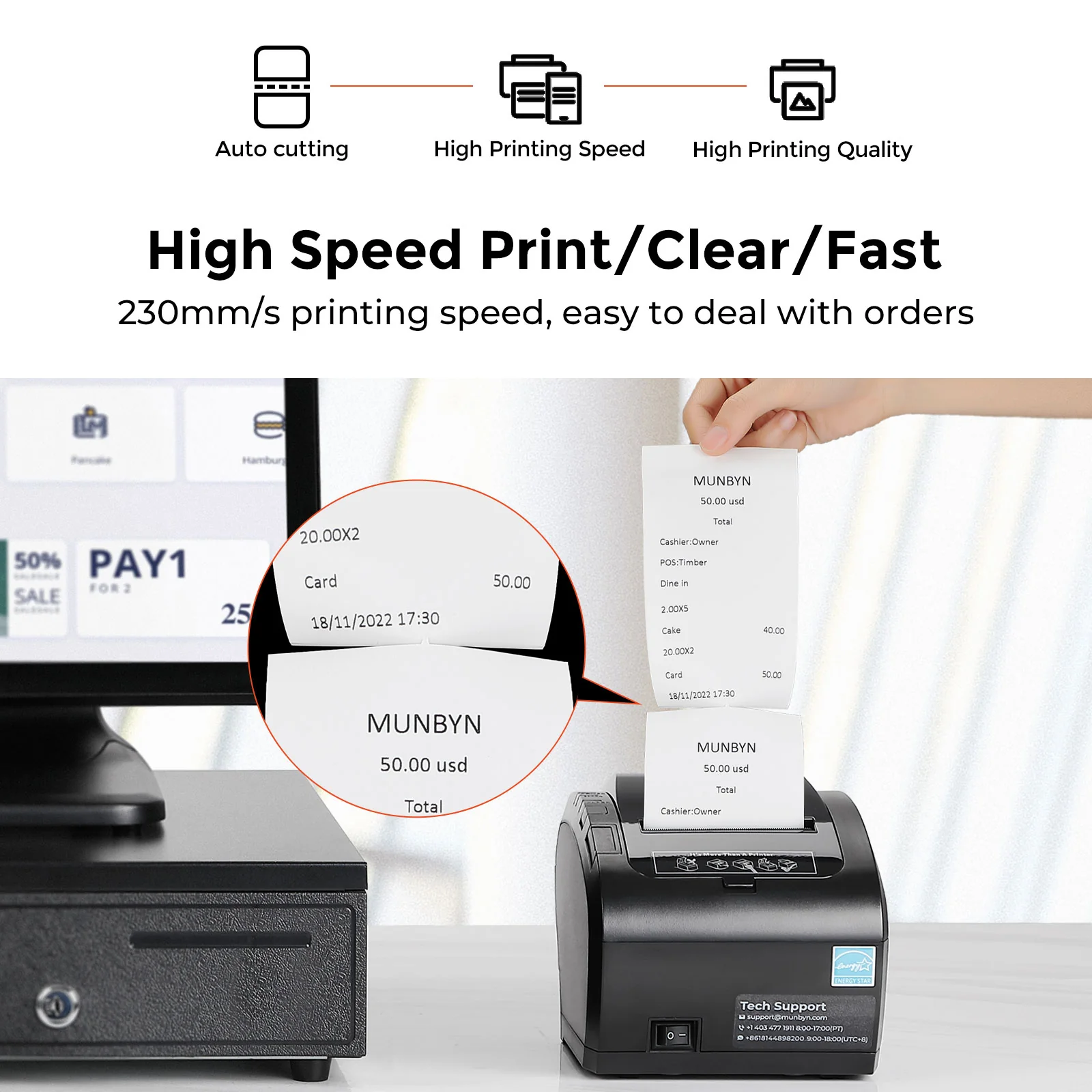
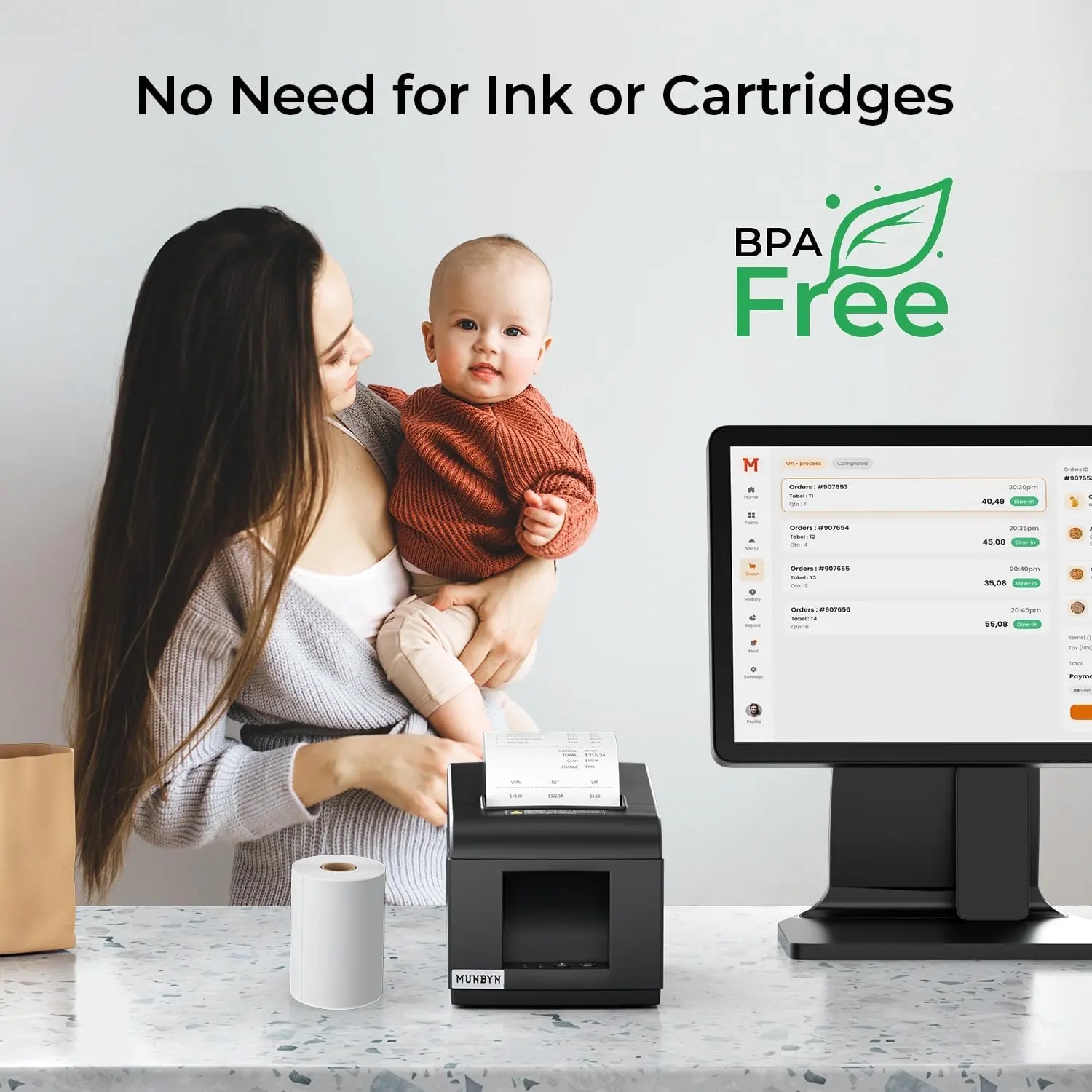
- 【No Ink Print or Cartridges】Print width: 79.5±0.5mm; Paper Width: 3 1/8" (80mm). Thermal printing technology. No need for ribbon/ink. 80mm receipt receipt printer head has over-temperature protection to make the print head last longer.
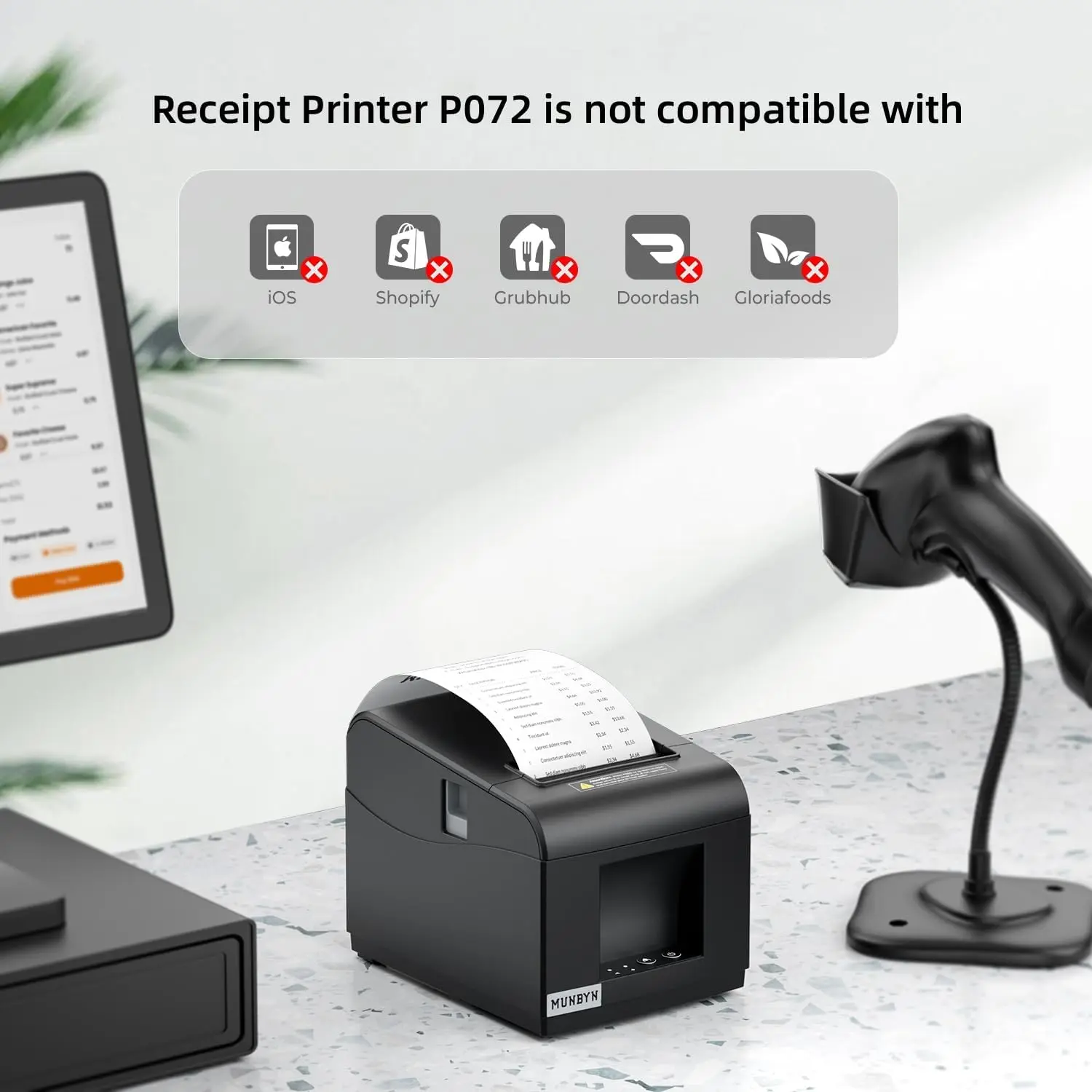
- 【Not Compatible 】 To avoid unpleasant user experience due to compatibility, please confirm whether your pos device is compatible with Munbyn receipt printers before purchasing.
- 【Main Guidance】User Manual provides a clear driver installation guide for the USB/Ethernet receipt printer. Read the printer user manual before using the POS receipt printer. If you have any installation, connection and compatibility issues, you can tell us immediately.
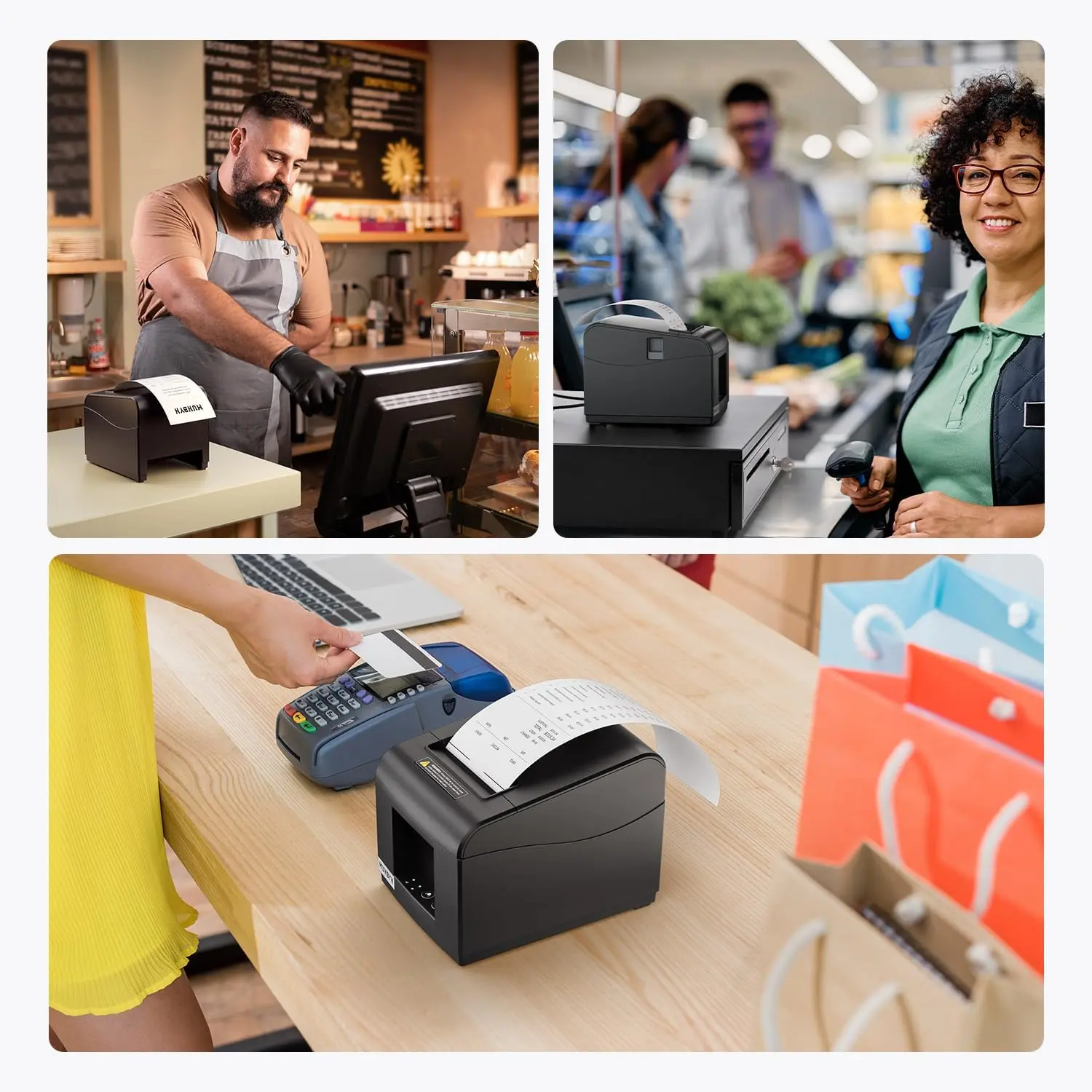
- 【Most Cost-effective】A better choice for retail stores, grocery stores, clothing stores, supermarkets, cafés, ticket points, food trucks, banks, restaurants, and any other business that uses receipts.
$36.04
Original: $102.97
-65%P072 Receipt Printer—
$102.97
$36.04Product Information
Product Information
Shipping & Returns
Shipping & Returns
Description
- 【USB or Ethernet Connection】Compatible with ESC/POS printing commands and supports cash drawers. Four Ports: USB+ LAN + Cash Drawer+ Power Port. It supports Windows x86, ARM, MacOS, Android, ChromeOS, and Linux.
- 【No Ink Print or Cartridges】Print width: 79.5±0.5mm; Paper Width: 3 1/8" (80mm). Thermal printing technology. No need for ribbon/ink. 80mm receipt receipt printer head has over-temperature protection to make the print head last longer.
- 【Not Compatible 】 To avoid unpleasant user experience due to compatibility, please confirm whether your pos device is compatible with Munbyn receipt printers before purchasing.
- 【Main Guidance】User Manual provides a clear driver installation guide for the USB/Ethernet receipt printer. Read the printer user manual before using the POS receipt printer. If you have any installation, connection and compatibility issues, you can tell us immediately.
- 【Most Cost-effective】A better choice for retail stores, grocery stores, clothing stores, supermarkets, cafés, ticket points, food trucks, banks, restaurants, and any other business that uses receipts.